


Step 1 : Download and Install the HiPix PowerPoint Add-In
Step 2 : Verify the Installation
Step 3 : Getting Started with the HiPix PowerPoint Add-In
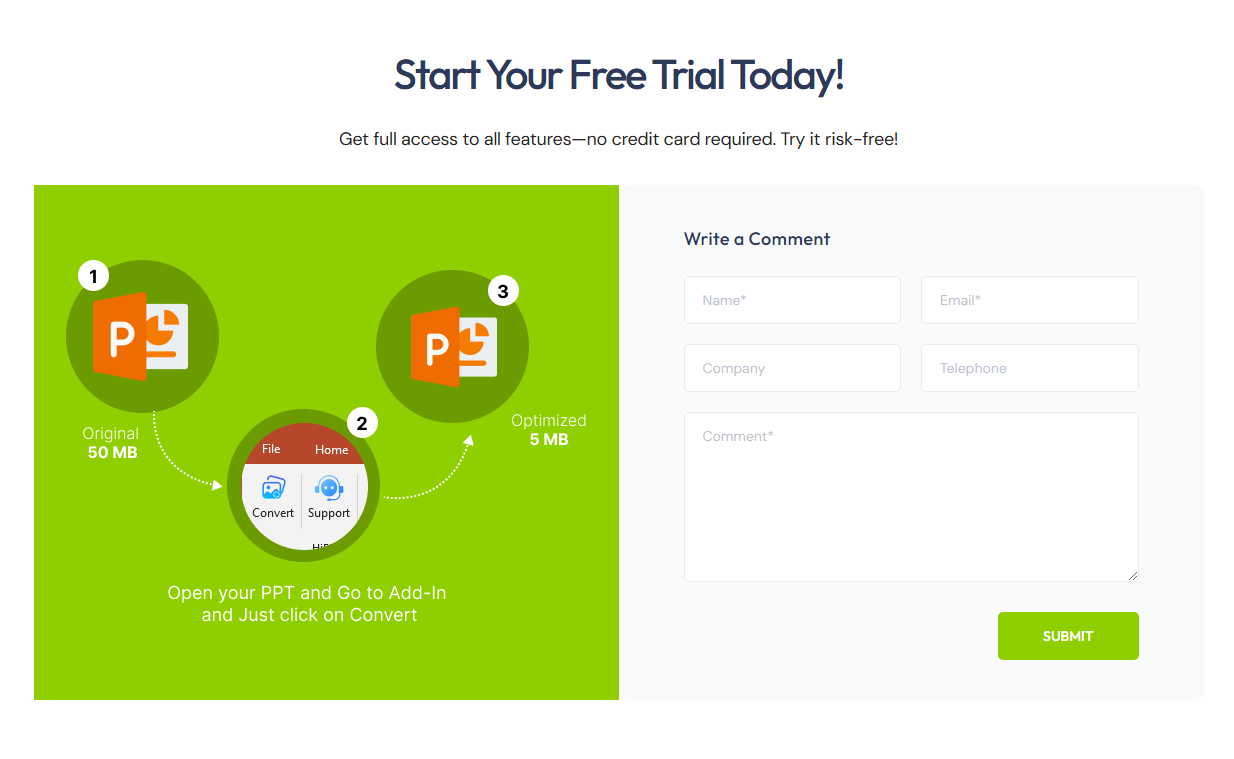
- Open your preferred web browser.
- Navigate to the HiPix PowerPoint Platform.
- Fill in the required details, including: Name, Email, Password
- Click the Submit button.
- Check your registered email inbox for an email containing the HiPix PowerPoint Add-In download link.
- Click on the provided link and follow the on-screen instructions to download and install the HiPix PowerPoint Add-In.
After installation, follow these steps to confirm that the HiPix Add-in has been installed successfully:
- Open the Windows Start Menu and go to Control Panel.
- Navigate to Programs > Installed Applications.
- Locate HiPix PowerPoint Add-In in the list of installed programs.
If the application is listed, the installation was successful.
Once installed, you can begin using the HiPix PowerPoint Add-In by following these steps:
- Open Microsoft PowerPoint.
- Open the PowerPoint presentation file you wish to compress or convert.
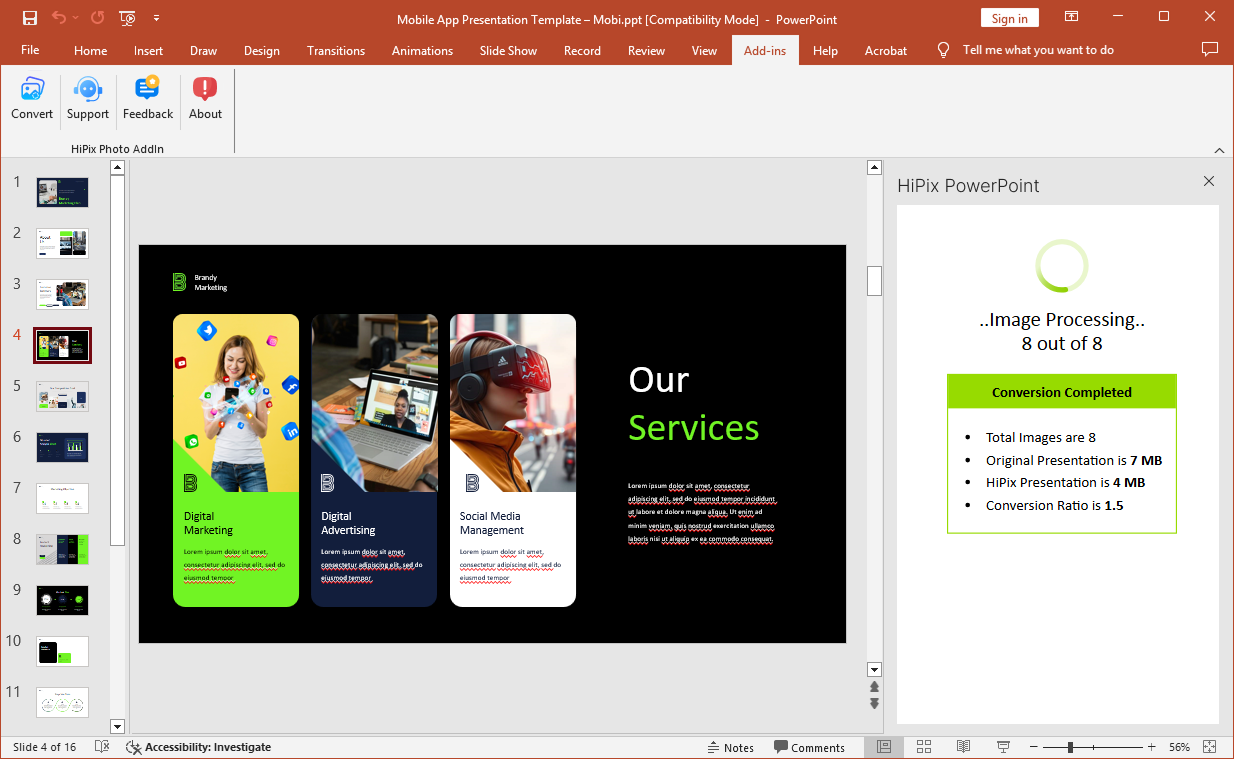
- Click on the “Add-Ins” tab in the PowerPoint Ribbon menu.
- Click on the “Convert” button to open the right-side panel with processing details.
- Select a conversion profile from the dropdown menu:
- Low Quality
- Medium Quality
- High Quality
- Custom (allows you to define custom settings)
- Click the “Get Started” button to initiate the conversion process.
- The progress and results of the conversion will be displayed in the right panel.
- After a successful conversion, a new PowerPoint presentation file will be created in the same folder as the original file, with the suffix ”_HiPix” added to the filename.
- Click the “Open Presentation” button to view the newly created PowerPoint file, which retains high resolution without compromising quality.



In real estate development, presentations move fast and change often. HiPix lets me email editable PowerPoint files — even image-heavy decks — without converting to PDFs or managing file-sharing madness.

As a graphic designer, I’m constantly sharing decks with clients and teams. HiPix lets me email real, editable PowerPoint files — even from Canva and AI-heavy designs — without resorting to PDFs or file-sharing.
In partnerships and media workflows, speed matters. HiPix lets me email real, editable PowerPoint files — even complex, image-heavy decks — without PDF workarounds or file-sharing. It simplifies collaboration and keeps momentum going.